Resources · How to use
How to use the 6-indicator suite.
Every indicator was built around a single philosophy and a specific job. Read the philosophy first, then walk through the steps. Video walkthroughs land here as we publish them.
Beast Momentum — the why.
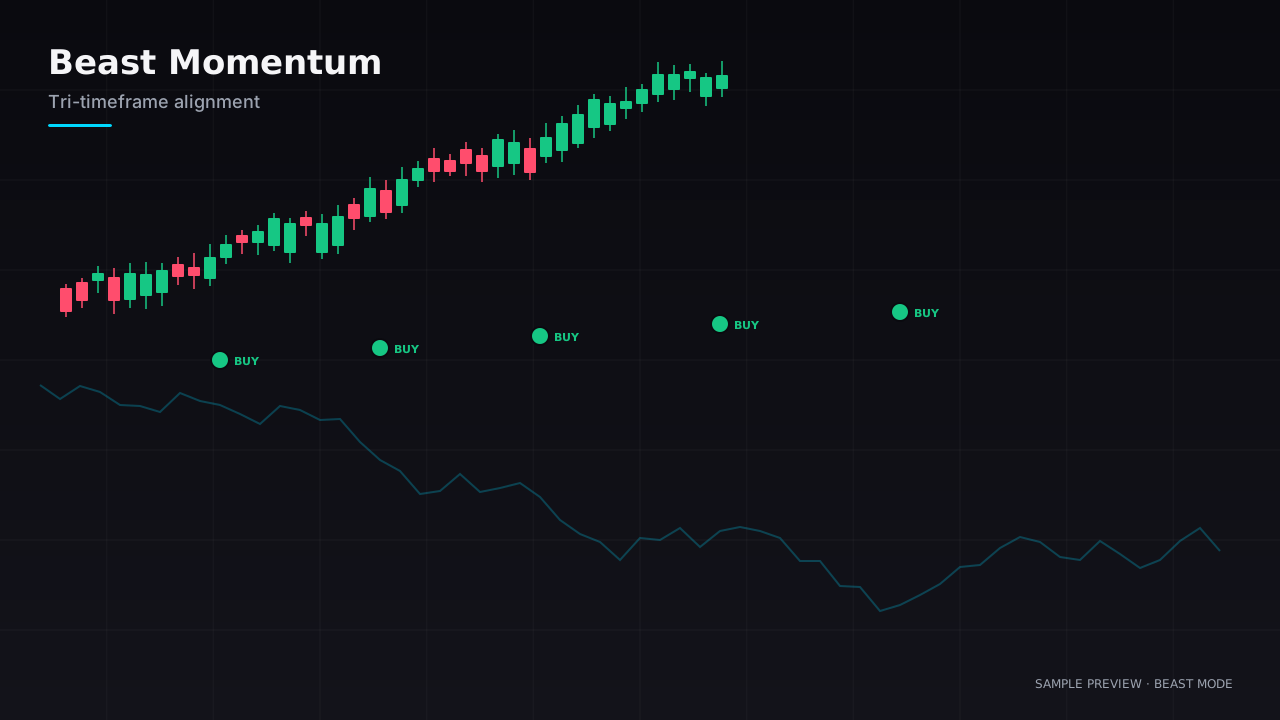
Trade WITH the dominant force on the chart, not against it. If three nested timeframes are saying the same thing, the trade has a tailwind. If they disagree, you're fighting the market.
Filter out chop and only fire entries on momentum days where price has alignment from M5 up through H1.
- 1
Wait for the tri-stack to align
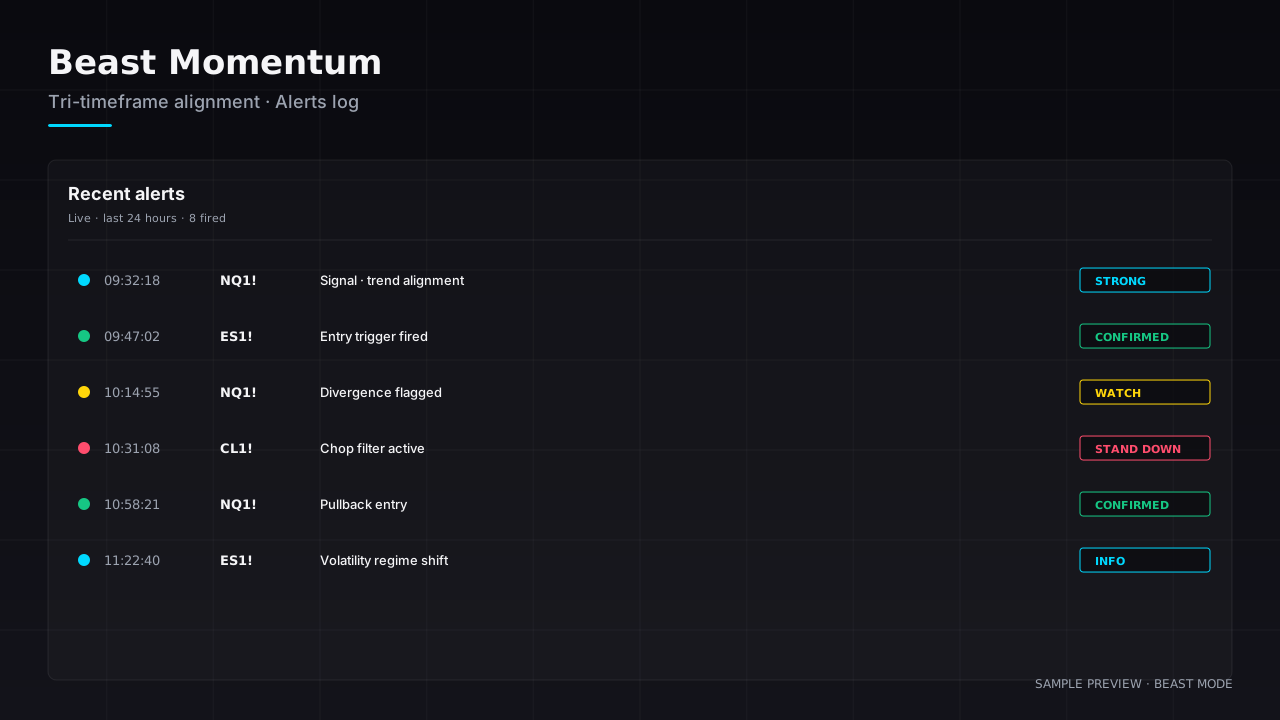
All three timeframe pills must be green (or all red). If any are neutral, stand down.
- 2
Confirm with the regime filter
If the ATR chip is dim, you're in chop — skip the trade no matter how clean the alignment looks.
- 3
Enter on the next pullback
Don't chase the trigger candle. Use the inside bar that follows for a tighter stop.
- 4
Trail with the M15 stack
When the M15 momentum chip flips, scale out. When H1 flips, you're done.
Don't use Beast Momentum in the first 5 minutes of the cash open. Wait for the noise to settle (the regime filter will flicker — that's the cue).
Video walkthrough · coming soon
Drop in a YouTube / Vimeo embed URL for Beast Momentum when ready.
Ready to plug all 6 in?
Get the full Beast Mode suite — monthly, annual, or lifetime. Indicators ship as a TradingView pack the moment you sign up.